About Me
Hello! I am Kurorekishi. While I work professionally as a Lead Programmer using Cocos Creator (TypeScript), my personal focus and passion lie in Unreal Engine 5 Tool Development and Technical Art.
I specialize in bridging the gap between engineering and art, developing robust editor tools and creating visually striking procedural content using C++, UE5, HLSL, and Python.
With a strong focus on asset management, workflow optimization, and tool development, I strive to create environments where artists can work efficiently and creativity can flourish.
Technical Skills
Game Engines


Languages





Tools & DevOps




Specialties
- Editor Tool Development
- Procedural Material / Technical Art
- Workflow Optimization & Team Leadership
Work Experience Highlights
- Lead Programmer - Cocos Creator / TypeScript (7 engineers, 25-person team)
- CI/CD Pipeline Implementation (Jenkins, build optimization)
- Artist/Planner Coordination & Workflow Optimization
- Junior Developer Training (2 developers, 3-month program)
Engine Contributions
Unreal Engine 5 Source Code
PR #14424: Fix missing Convert node in Material Editor context menu (Under Review) Note: Access to the Epic Games repository is required to view this link.
Identified a regression bug in the Material Editor occurring in UE5.6/5.7 and submitted a C++ patch (Pull Request) to the official repository.
- Issue: A regression where the Convert node was excluded from search candidates when dragging from a numeric output pin and searching for “Break” or similar.
- Root Cause Identification: Identified that the engine’s node search validation (
HasCompatibleConnection) references static type information from the CDO (Class Default Object), whereas the new specification ofUMaterialExpressionConvertgenerates pins dynamically at runtime, causing type information to be missing on the CDO and resulting in exclusion from candidates. - Solution: Added logic to the C++ engine code to bypass the CDO check for the target node as a special case when the source pin is of a numeric type (
MCT_Numeric).
Projects
1. ProceduralDrawingMaterialSamples
UE5 Sample Project / Technical Art
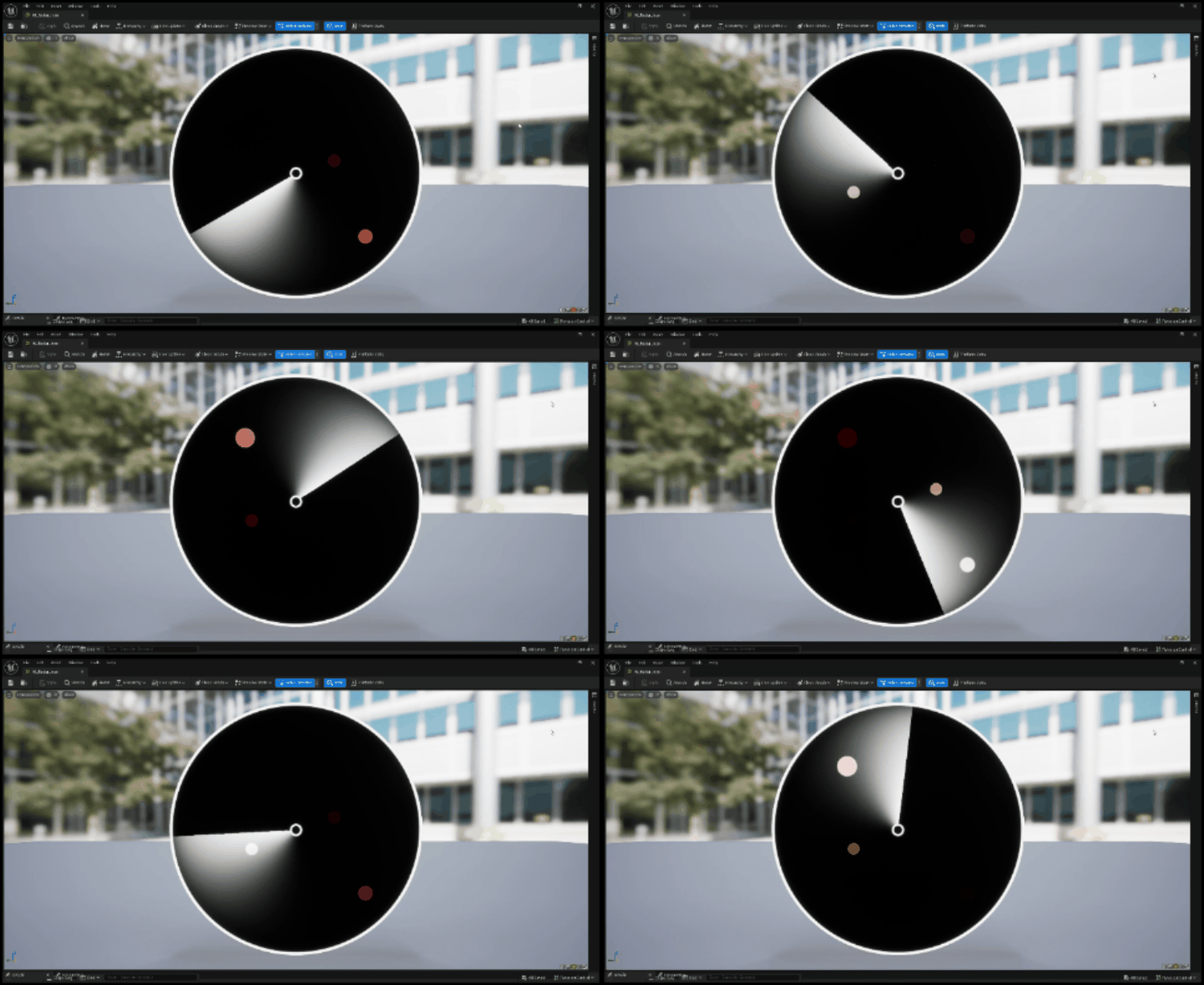
Radar Sweep
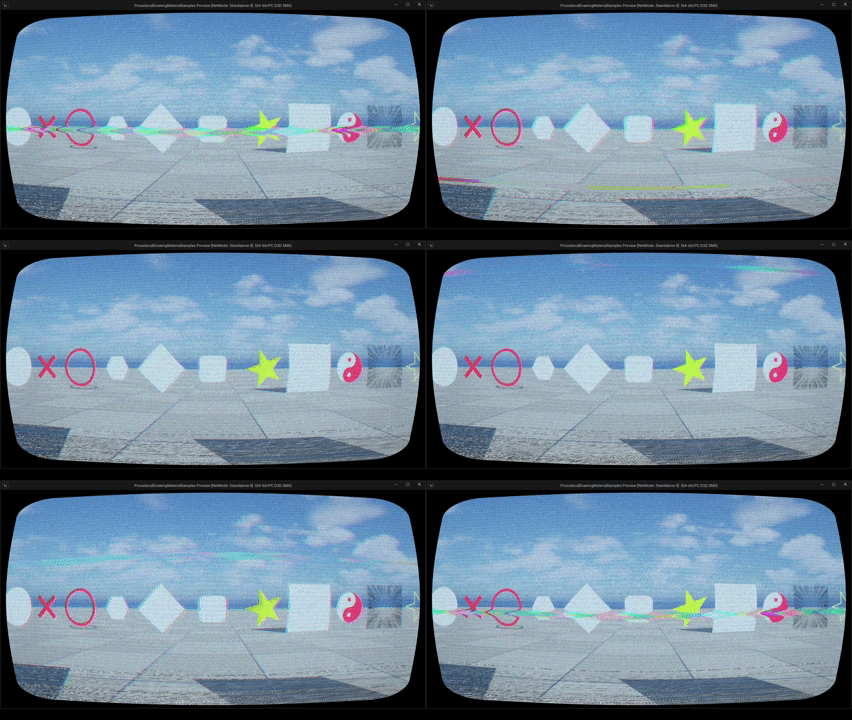
Retro TV Effect
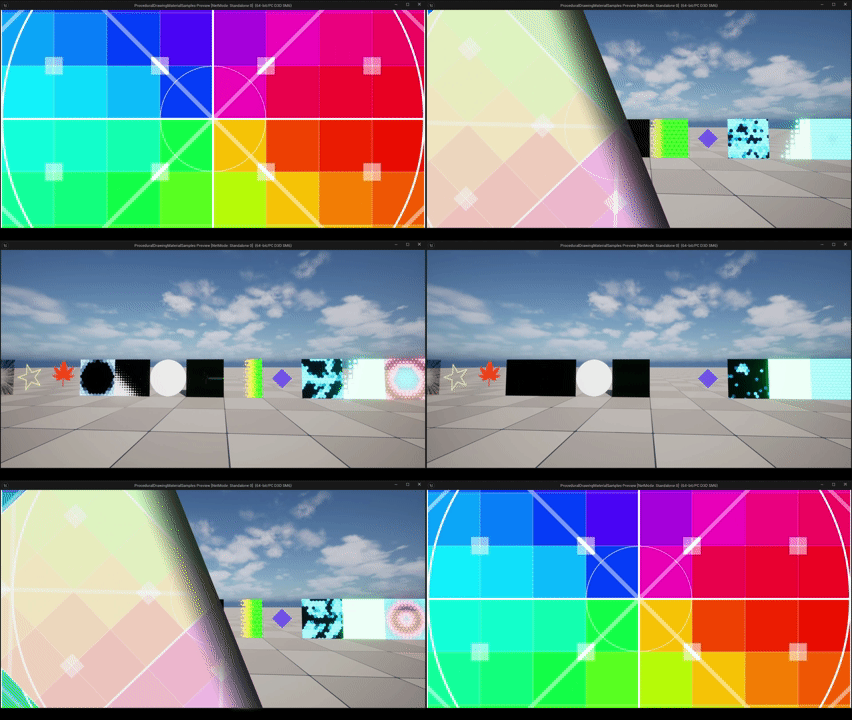
Page Curl Transition
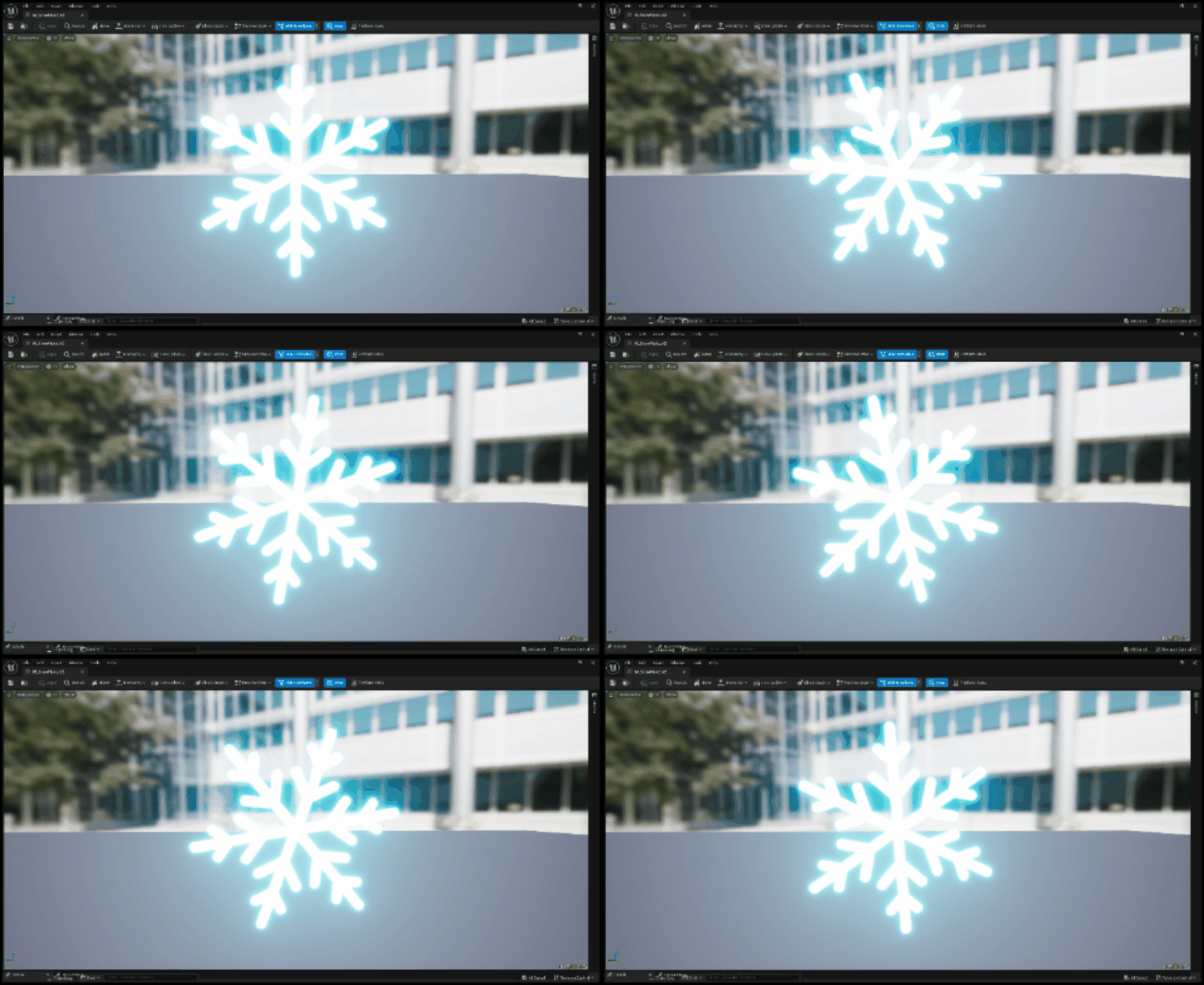
Snow Crystal
A collection of textureless procedural material samples demonstrating advanced shader techniques.
- Key Features: Includes diverse effects such as radar, animations, snowflakes, and transitions.
- Community: Highly regarded with 150+ stars and 13+ forks on GitHub.
- License: MIT License.
2. MIRenamer
UE5 Plugin / Workflow Automation
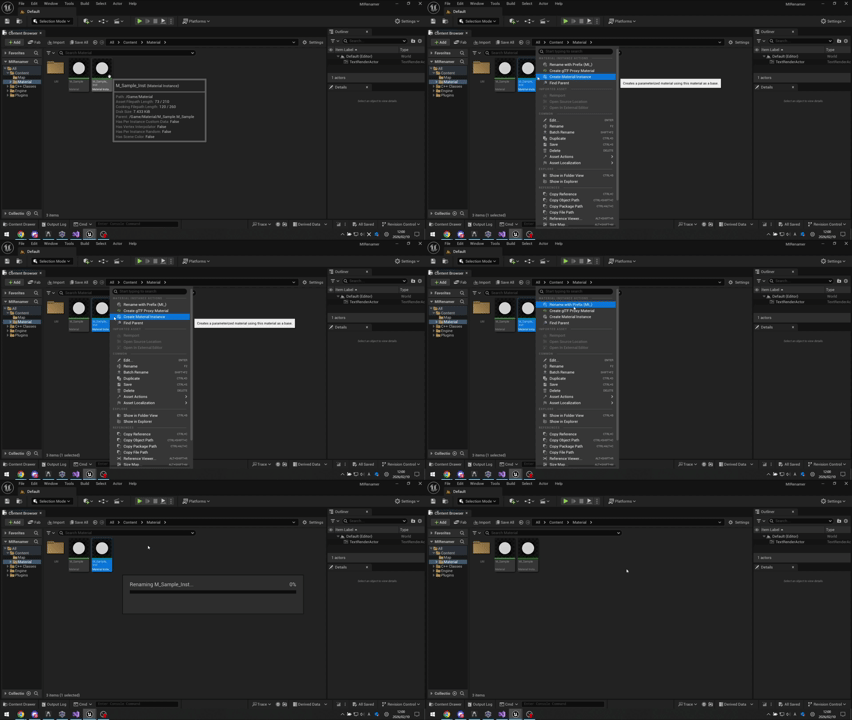
Batch Renaming Demo
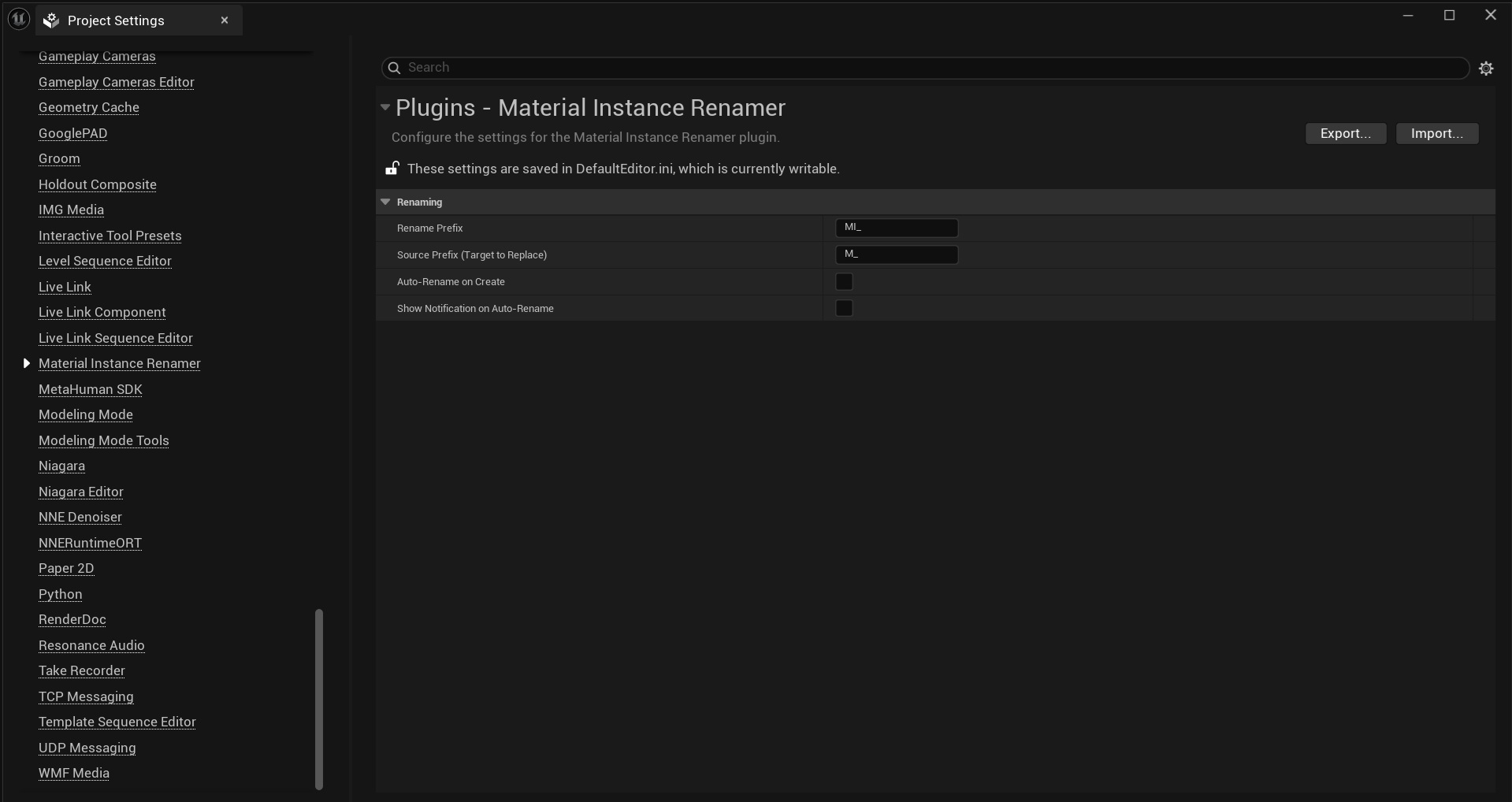
Context Menu Integration
A powerful plugin for automating the naming of Material Instance assets with intelligent pattern recognition and customizable prefixes.
- Key Features: Batch renaming, auto-rename on creation, command-line support (Commandlet), and multi-language UI (English/Japanese).
- Technical Highlights: Context menu integration, asset registry scanning, intelligent base name extraction from multiple naming patterns, and CI/CD pipeline support.
- Distribution: Available on Fab.
3. TextureChannelPacker (RGBPackingTool)
UE5 Plugin / Asset Optimization
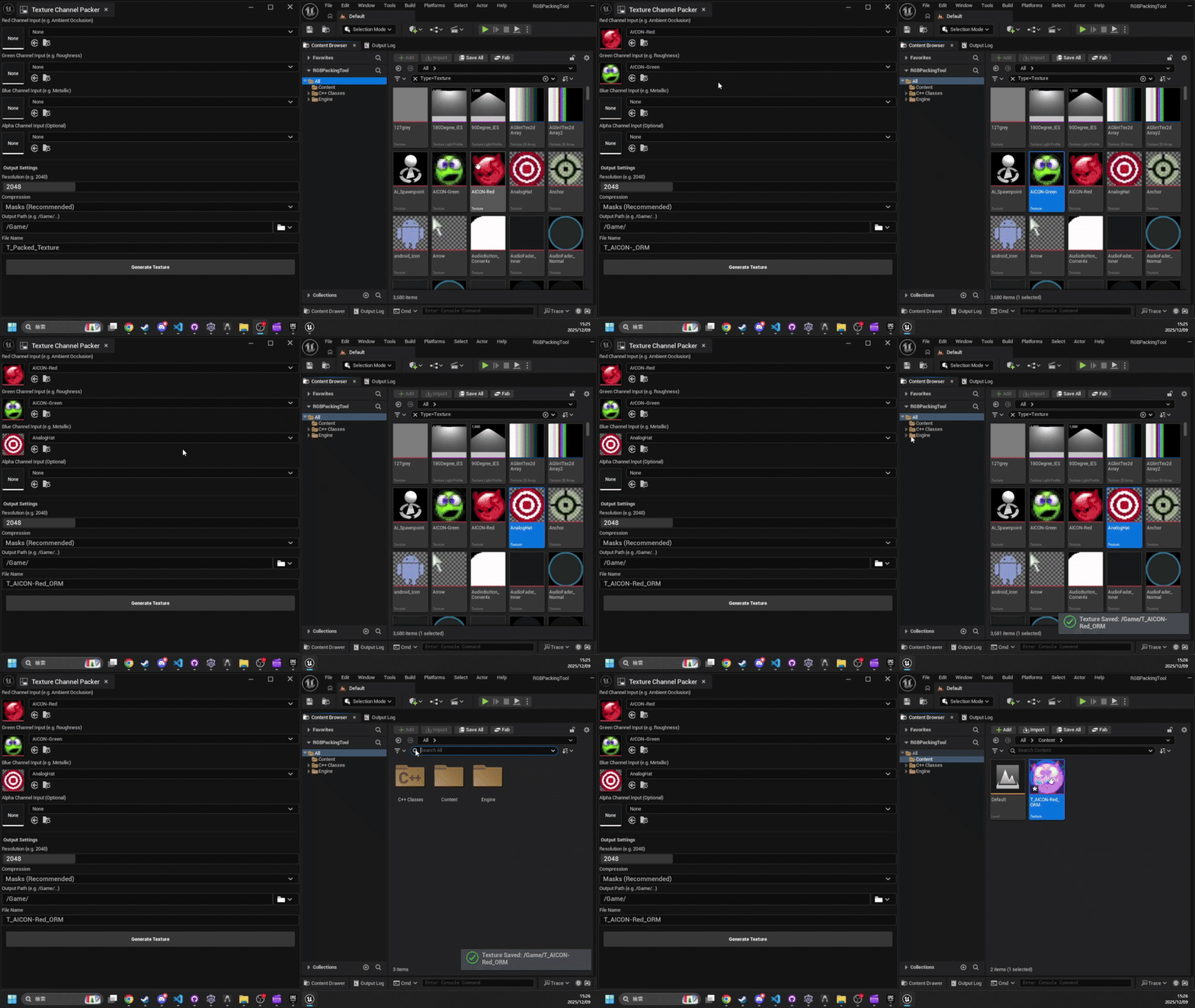
Workflow Demo
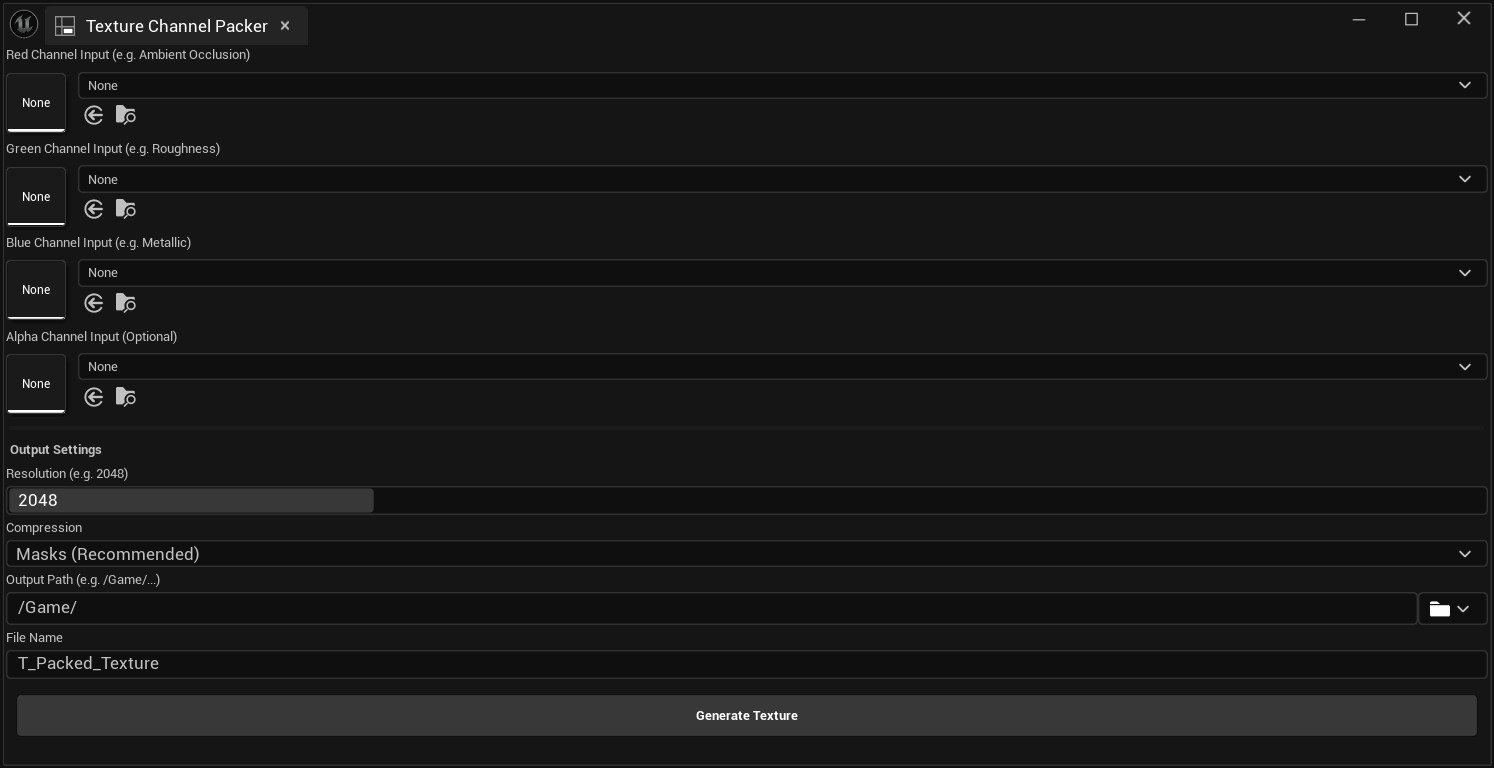
UI Overview
A high-performance utility for packing grayscale textures into RGBA channels, essential for optimizing game assets and creating industry-standard texture maps.
- Key Features: Creates ORM/ORD maps, supports 16-bit/32-bit float textures, automatic resizing with high-quality bilinear interpolation, and multi-language UI (English/Japanese).
- Technical Highlights: Multi-threaded parallel processing for fast conversion, extended format support (G8, G16, R16F, R32F, RGBA32F), cancellable progress dialog, and intelligent default handling (black for RGB, white for Alpha).
- Distribution: Available on Fab.
- License: MIT License.
4. QuickBaker
UE5 Plugin / Material Baking
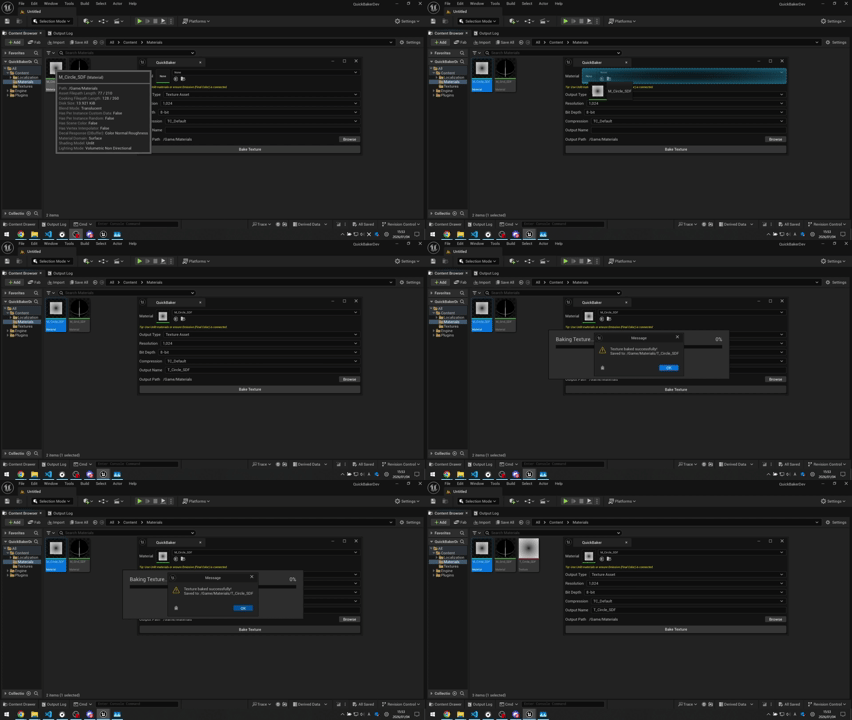
Baking Workflow
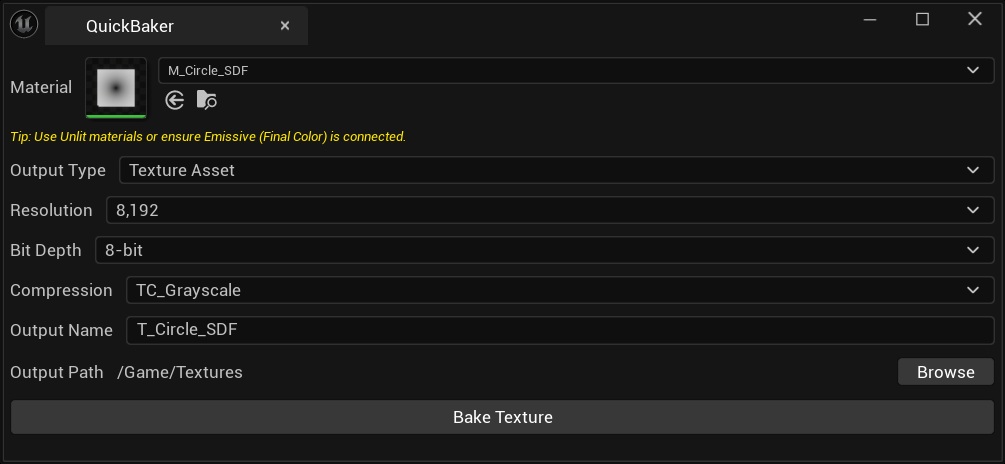
UI Overview
A lightweight editor tool designed to streamline the conversion of dynamic material expressions into static textures. It enables efficient baking of procedural noise, Signed Distance Fields (SDFs), and LUTs directly within the engine.
- Key Features: Supports direct-to-asset baking (.uasset) and disk export (PNG/EXR), high-precision 16-bit float output, and workflow optimizations such as auto-naming and directory management.
- License: MIT License.
- Distribution: Available on Fab.
5. MarkdownAssetProject
UE5 Plugin / Editor Tool
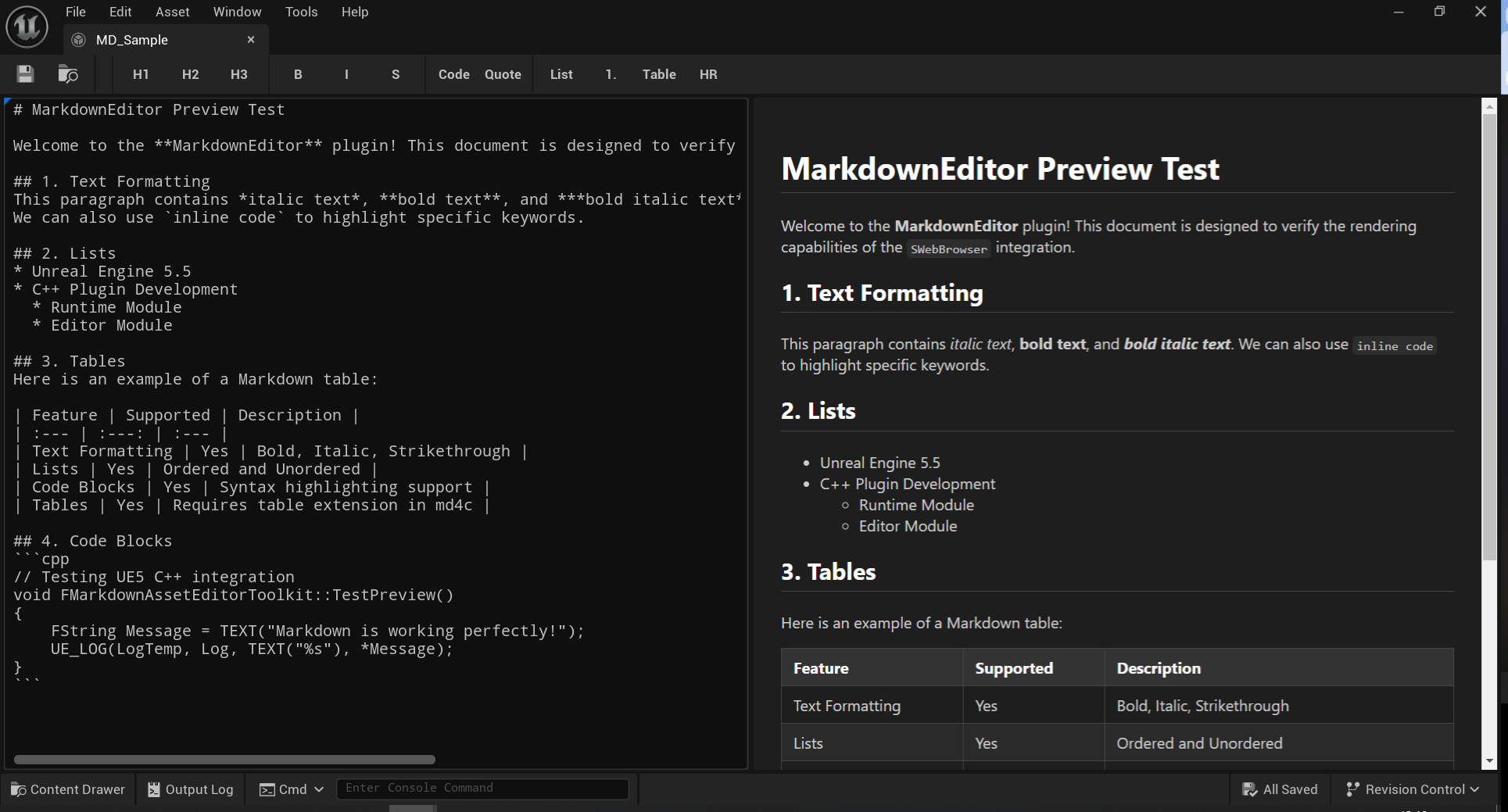
Editor Overview
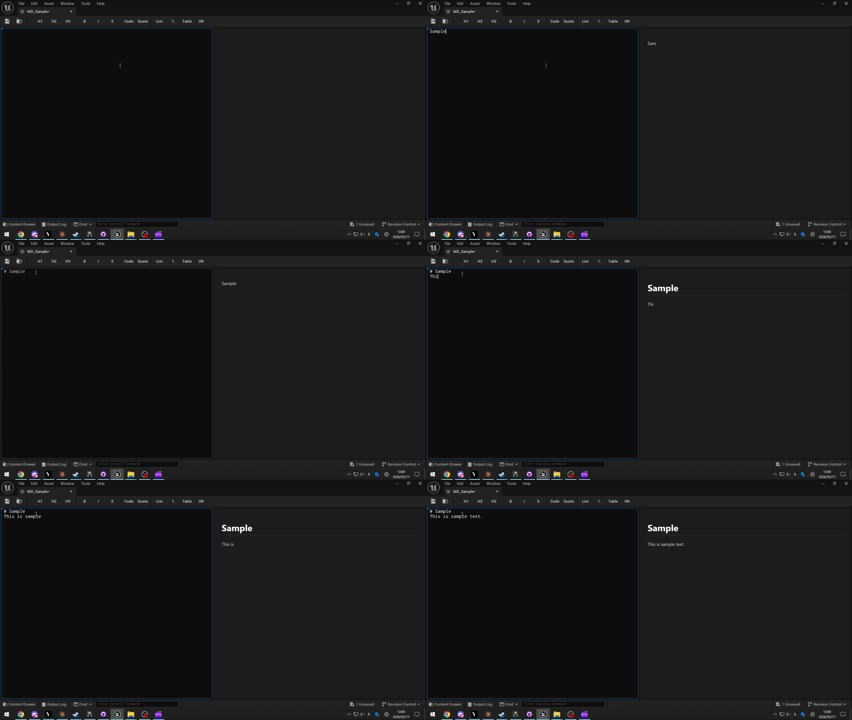
Live Preview
An Unreal Engine plugin that introduces a custom Markdown asset type with a live HTML preview editor.
- Key Features: Dual-pane editor with real-time preview, fast C-based Markdown-to-HTML conversion (md4c), GitHub Flavored Markdown support (tables, task lists, strikethrough), Blueprint node support (
GetParsedHTML,GetRawMarkdownText,GetPlainText), and Content Browser integration. - Requirements: UE5.5+, C++ project.
- License: MIT License.
- Distribution: Available on Fab.
6. TransitionFX
UE5 Plugin / Screen Transition Effects

Iris Transition

Spiral Transition
A lightweight UE5 plugin providing 22+ procedural screen transition effects rendered via SDF math — no textures required. Designed for ease of use with a single Blueprint node and a data-driven preset system.
- Key Features: 22+ built-in effects (Fade, Iris, Spiral, Split, Tiles, and more), data-driven preset assets, latent Blueprint nodes, GameInstance Subsystem for cross-level persistence, automatic input blocking, and audio sync support.
- Technical Highlights: Texture-free SDF rendering via PostProcess, 13+ easing curve presets, Forward/Reverse/Invert playback modes, dynamic speed control, and event delegate system.
- Requirements: UE5.5+, Windows (DX12 SM6).
- License: MIT License.
- Distribution: Available on Fab.
Technical Writing
- [UE5] Implementing a Circular Wipe Transition - Qiita
- A technical guide on creating a circular wipe post-process effect in Unreal Engine 5.
- Read on Qiita (Japanese)
GitHub Activity
Contact & Links
- GitHub: EmbarrassingMoment
- Twitter/X: @endwar1338
- Fab: My Listings